Client list, search and tags
Find anyone by name, email or phone, save filtered segments you use again, and tag clients into groups. You can email a saved segment in bulk with consent and unsubscribe handled.
- Studio web
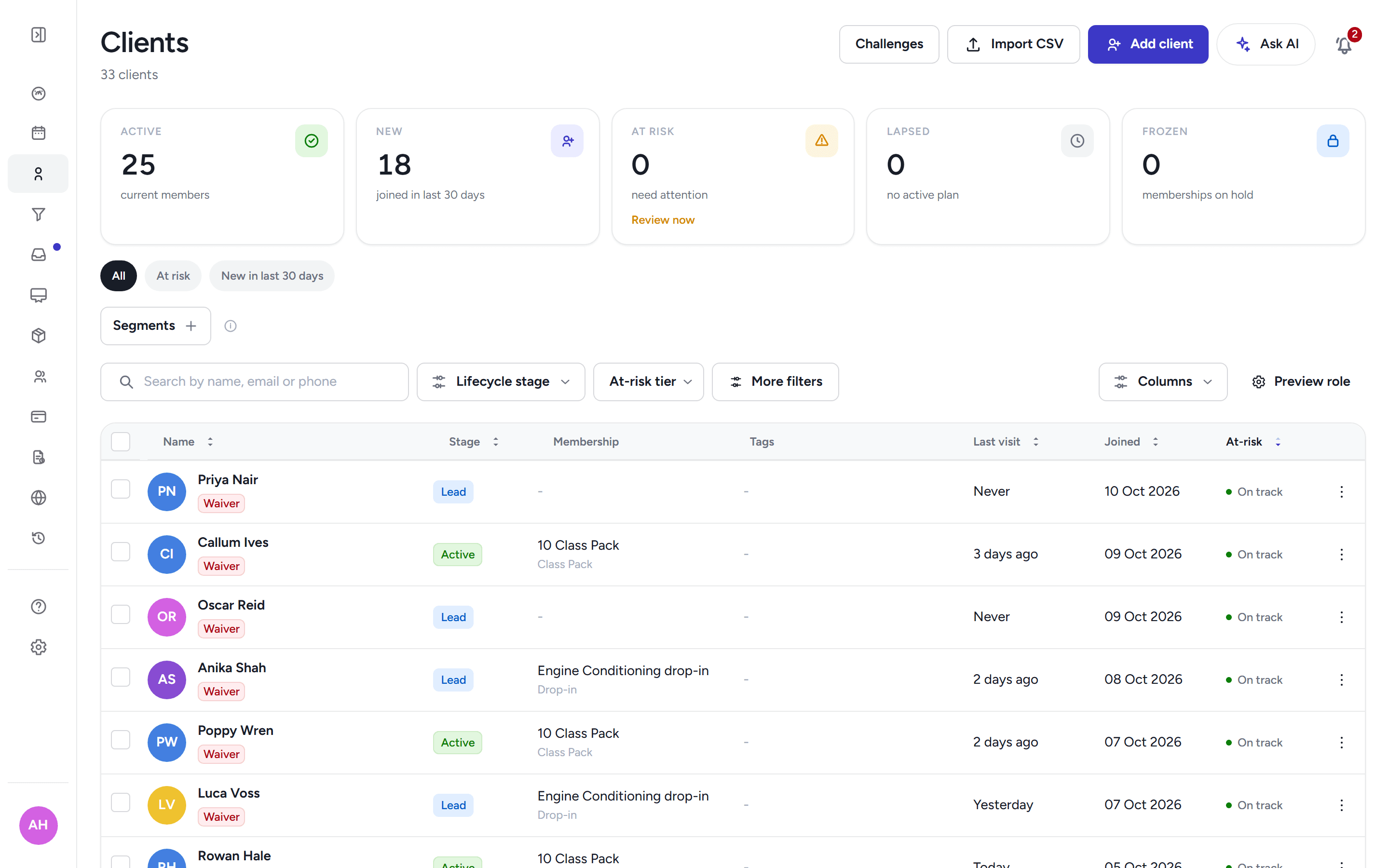
Find anyone by name, email or phone, and open one record with their bookings, waivers, health, notes and billing.
Find anyone by name, email or phone, save filtered segments you use again, and tag clients into groups. You can email a saved segment in bulk with consent and unsubscribe handled.
One record per client covering bookings and attendance, memberships, waivers, health, programs, nutrition, progress and notes, with sections you can link straight to.
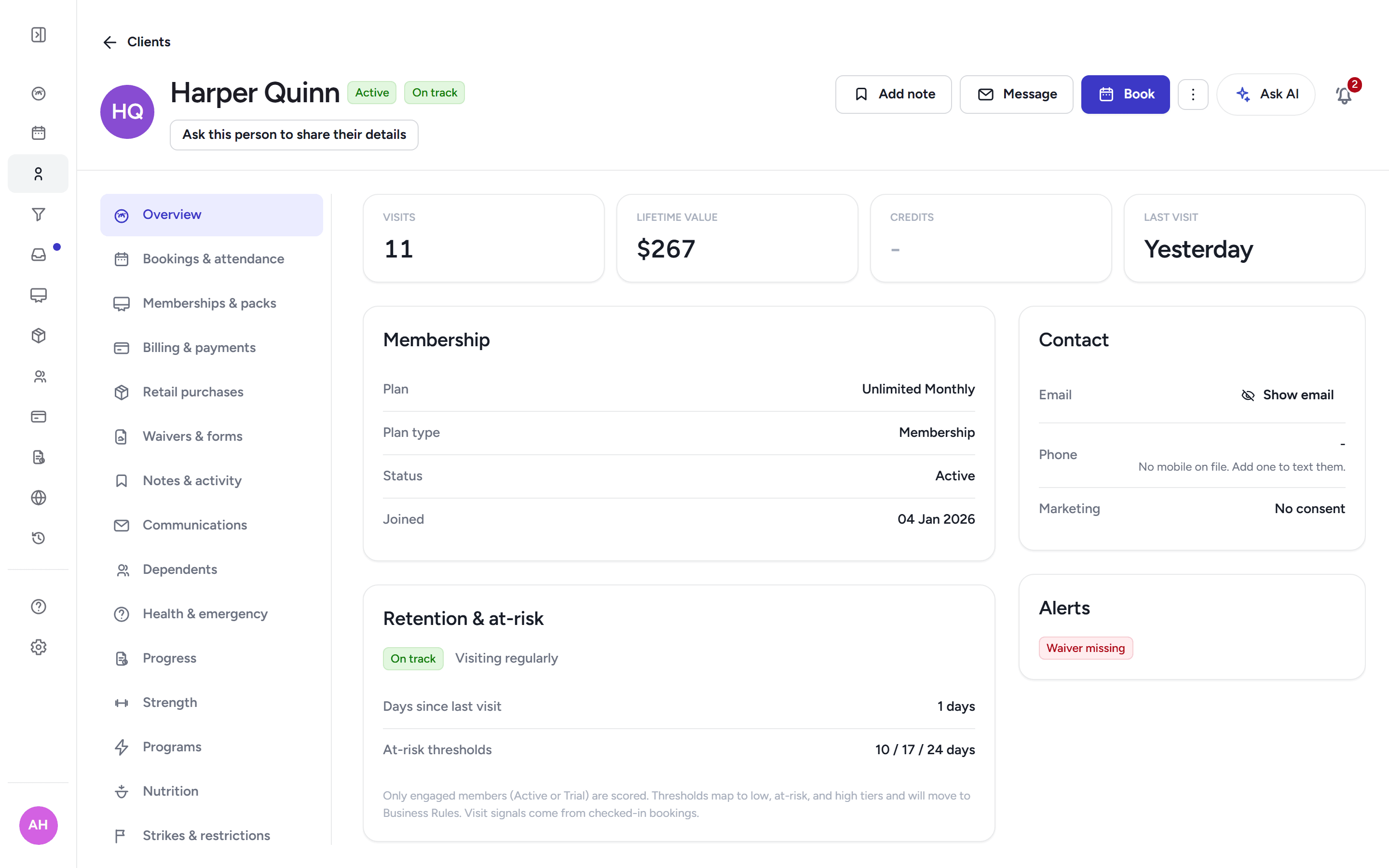
Keep running staff notes on a client, including notes on a child filed under their guardian.
Attach private documents and one photo on file to a client; files stream through authenticated routes only and never sit on a public URL.
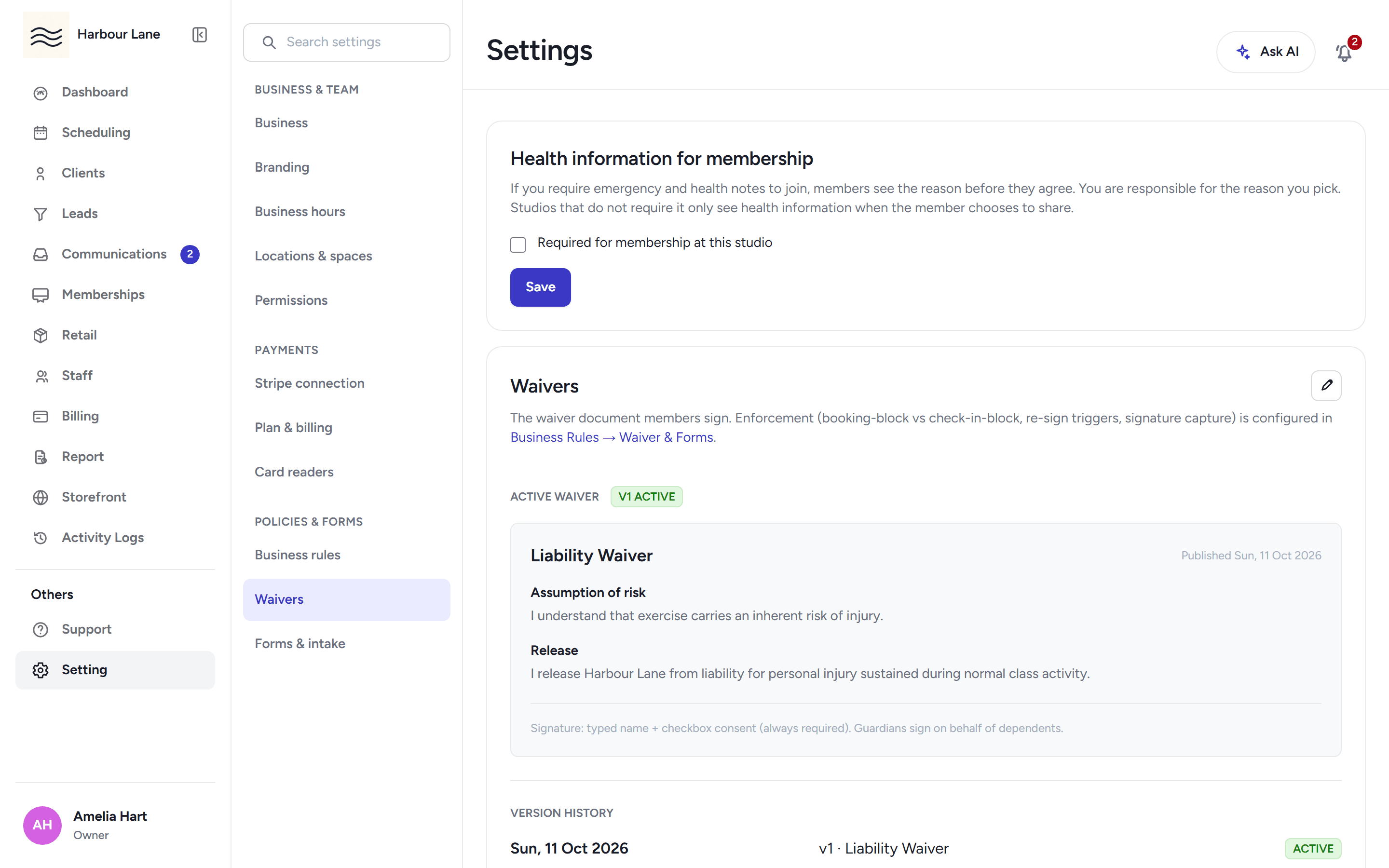
Publish a waiver as scroll-to-sign sections or your own PDF, collect evidence with every signature, send requests for signature by email, and print a signed copy with its verification record.
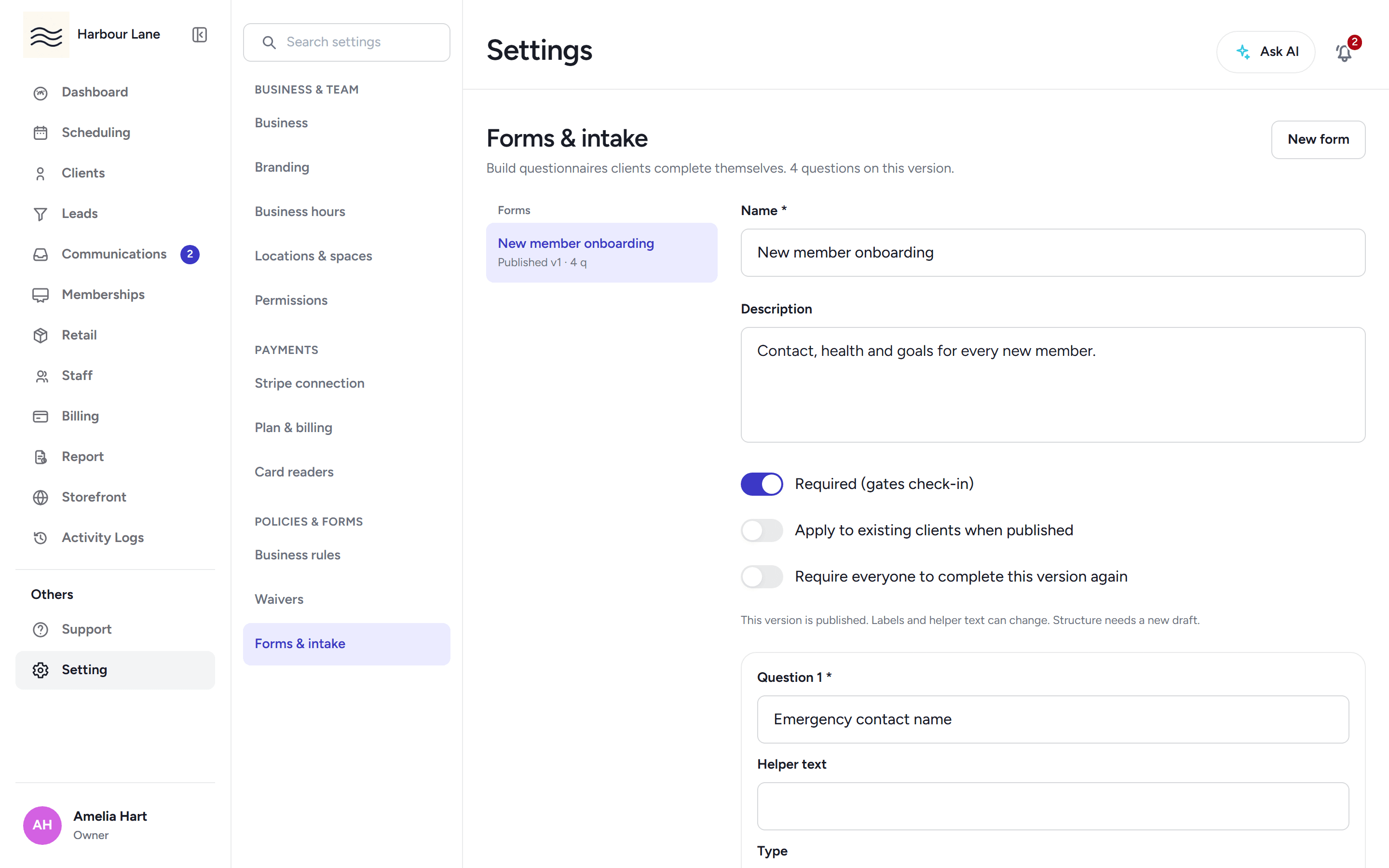
Build your own onboarding forms with public, token, kiosk or signed-in completion, answers that map into health details, and gating at booking or check-in.
Keep allergies, conditions and emergency contacts per client. Staff see them only when the member has given an explicit per-studio consent — a waiver never grants it.
Parents manage children in their household, book and waitlist for them, and answer their health and photo questions on their behalf.
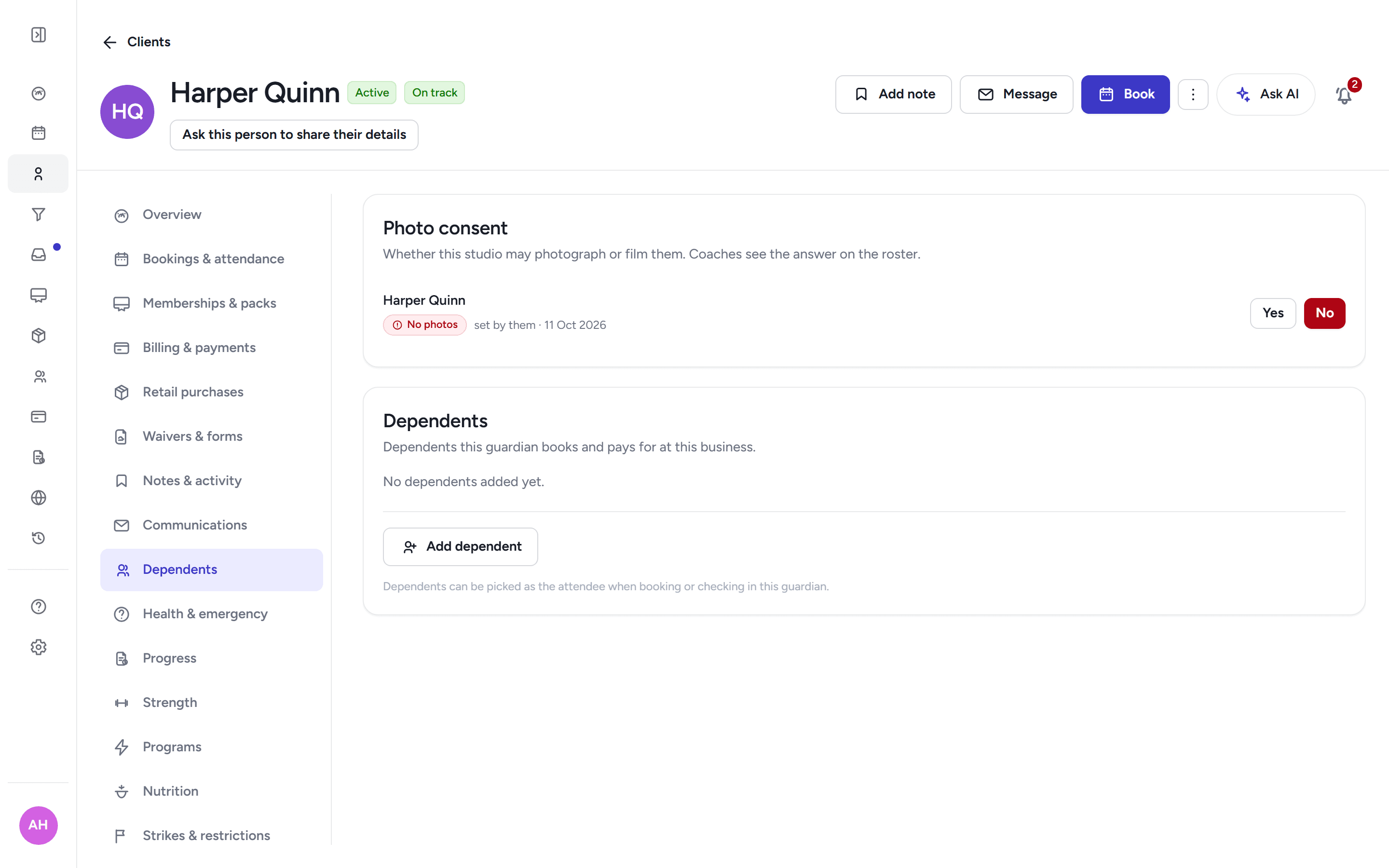
Record per studio whether each person may be photographed. Every answer is kept in an append-only history, and rosters show a chip that never assumes yes for a child.
Late cancels and no-shows can add strikes automatically under your rules, and you can pause someone's booking with a reason, a member message and an end date.
See every payment, refund, failed charge, open invoice and retail sale on one client, with refunds that respect where the money was taken.
A retention report and at-risk lists show which clients are drifting before they churn, with links straight to their records.
When a member deletes their account, their identity is anonymised and your studio's history is kept; owner and staff accounts are refused.
Email a saved segment from a plain template, with marketing consent respected and a one-click unsubscribe in every send.
30-day free trial, with your card only charged at go-live.