Set-up wizard
Work through set-up a step at a time — venue, locations, hours, branding, waivers, forms — and go live from a checklist that lists only the gates still outstanding. The wizard never force-blocks you after your first visit.
- Studio web
A step-by-step set-up wizard with a go-live checklist, one place for your business rules, and an in-app help centre with Ask AI.
Work through set-up a step at a time — venue, locations, hours, branding, waivers, forms — and go live from a checklist that lists only the gates still outstanding. The wizard never force-blocks you after your first visit.
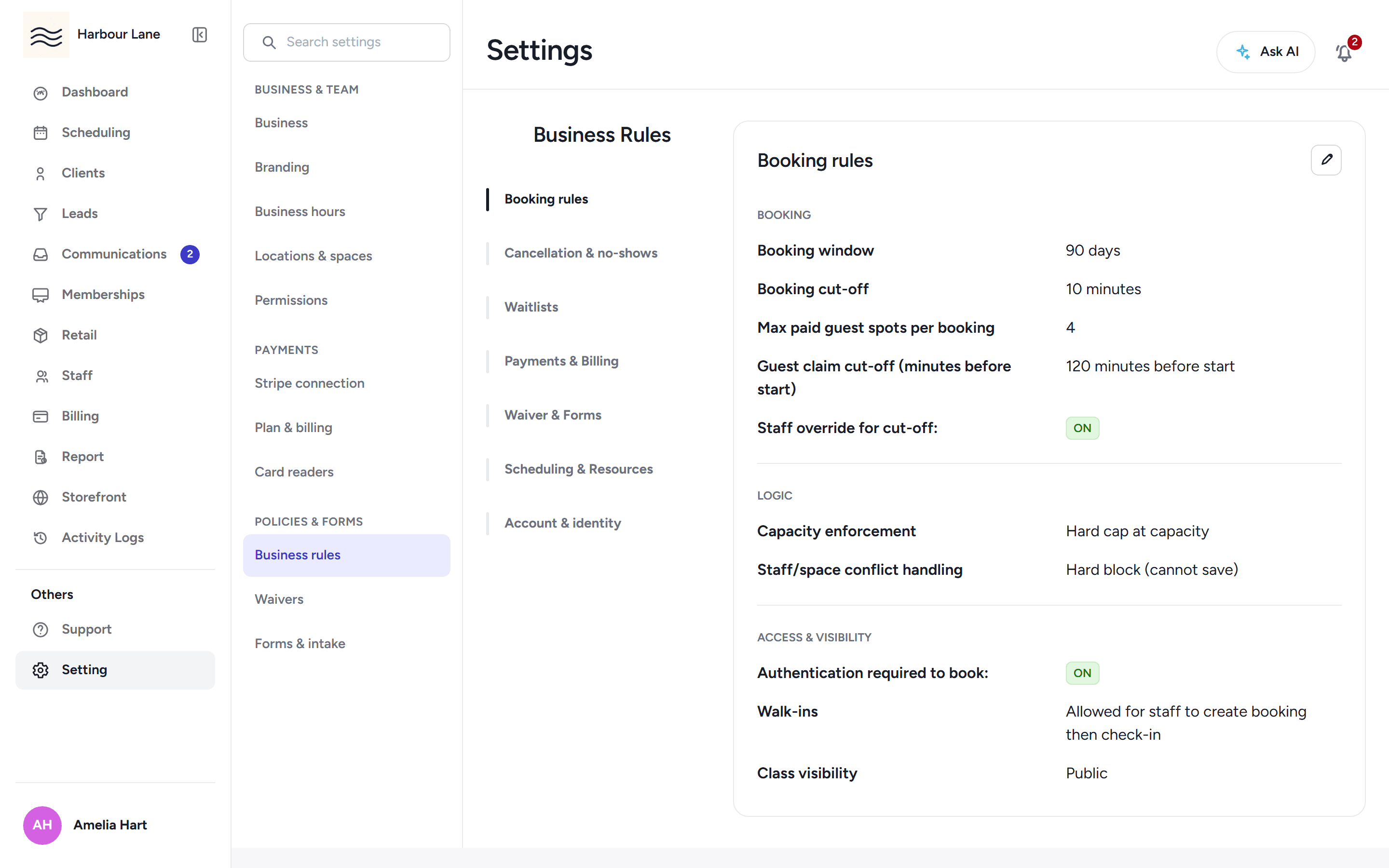
Set cancellation windows, late-cancel strikes, grace days and booking-hold rules in one Business Rules section, and the app enforces them everywhere — bookings, check-ins and member self-service included.
Move Belong runs a verification bridge for studios switching mid-contract: you record the old contract's end date and an owner contact, and the bridge is verified from your proof emails before go-live. Your first Move Belong invoice waits for the old contract to end.
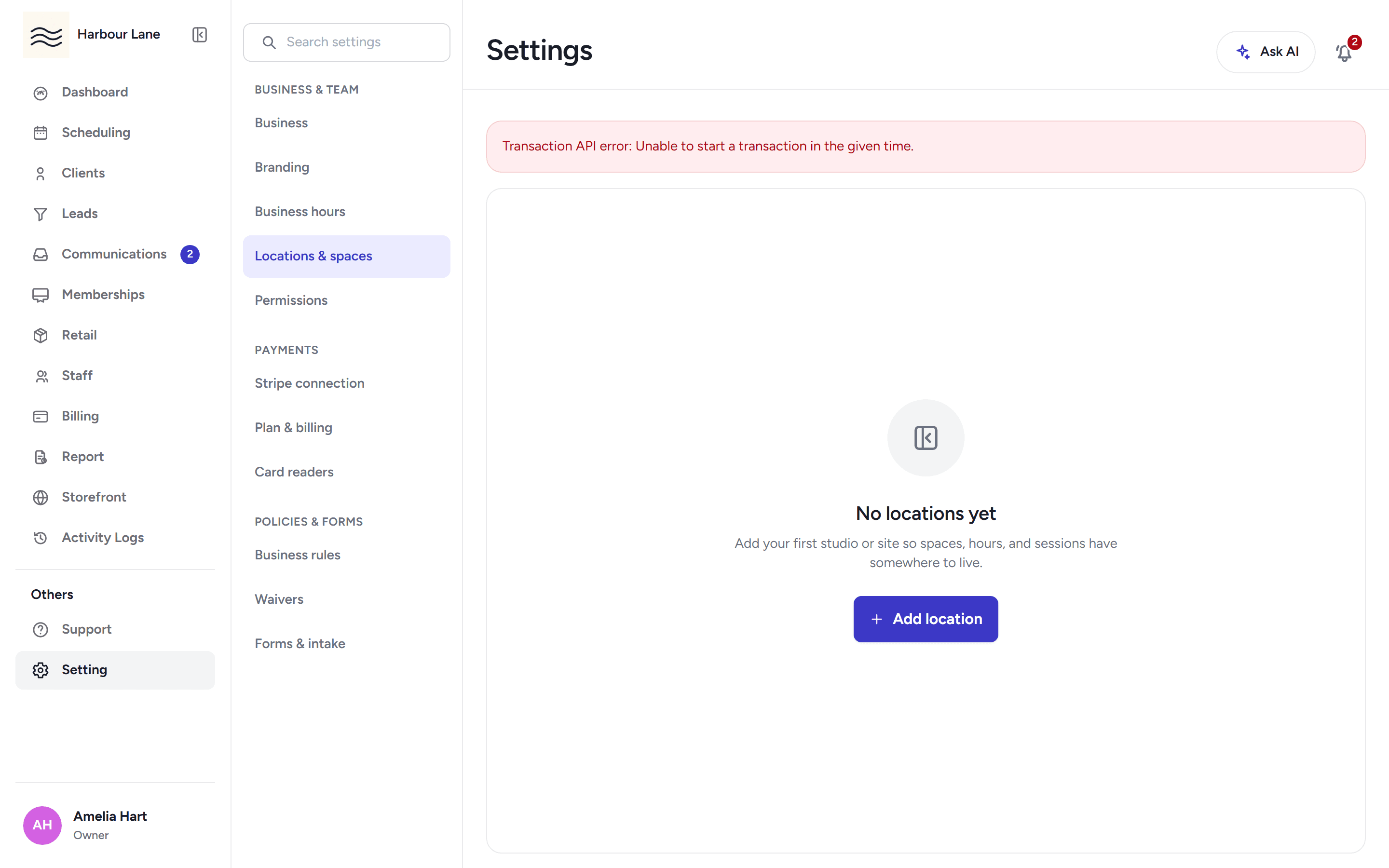
Pick your venue shape as a required step, and pick addresses from Google's verified places so maps and search stay honest. A manually typed address is flagged for review and blocks go-live until it is approved.
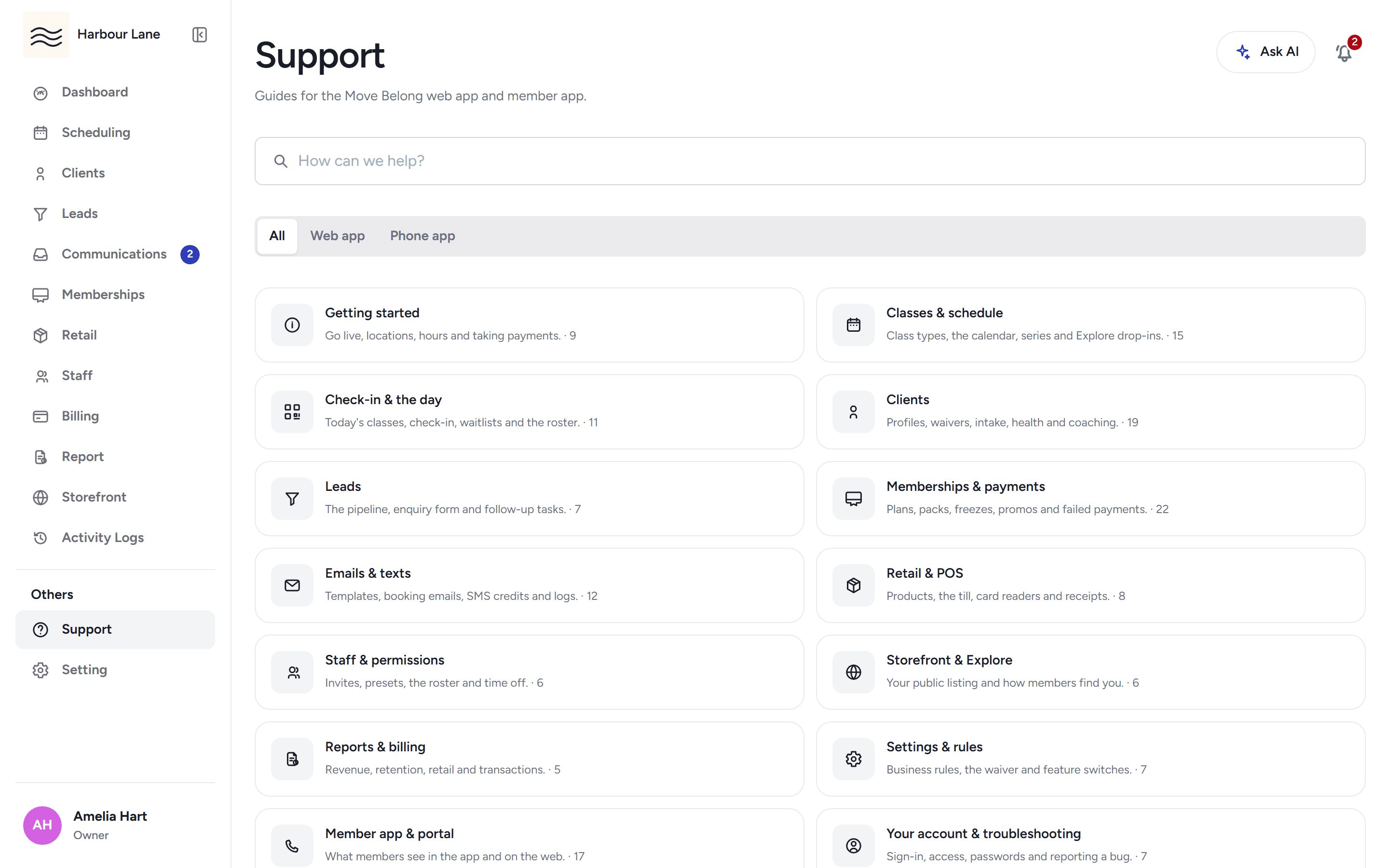
Support is built into the staff app: every help article is searchable in place, and an Ask AI assistant answers your question with links to the articles behind it.
A report-a-problem button in the staff app emails the platform team with your account's reply-to address, so answers come straight back to you.
Interactive product tours spotlight live buttons, tabs and pages with click-to-advance guidance. Learn the dashboard, scheduling, clients, billing and operations without changing any real data.
30-day free trial, with your card only charged at go-live.