Your day at a glance
Members open the app to their next class, what payments are due, and their assigned programs and nutrition in one feed. On the web portal the same home page shows what is coming up.
- Phone app
- Member web
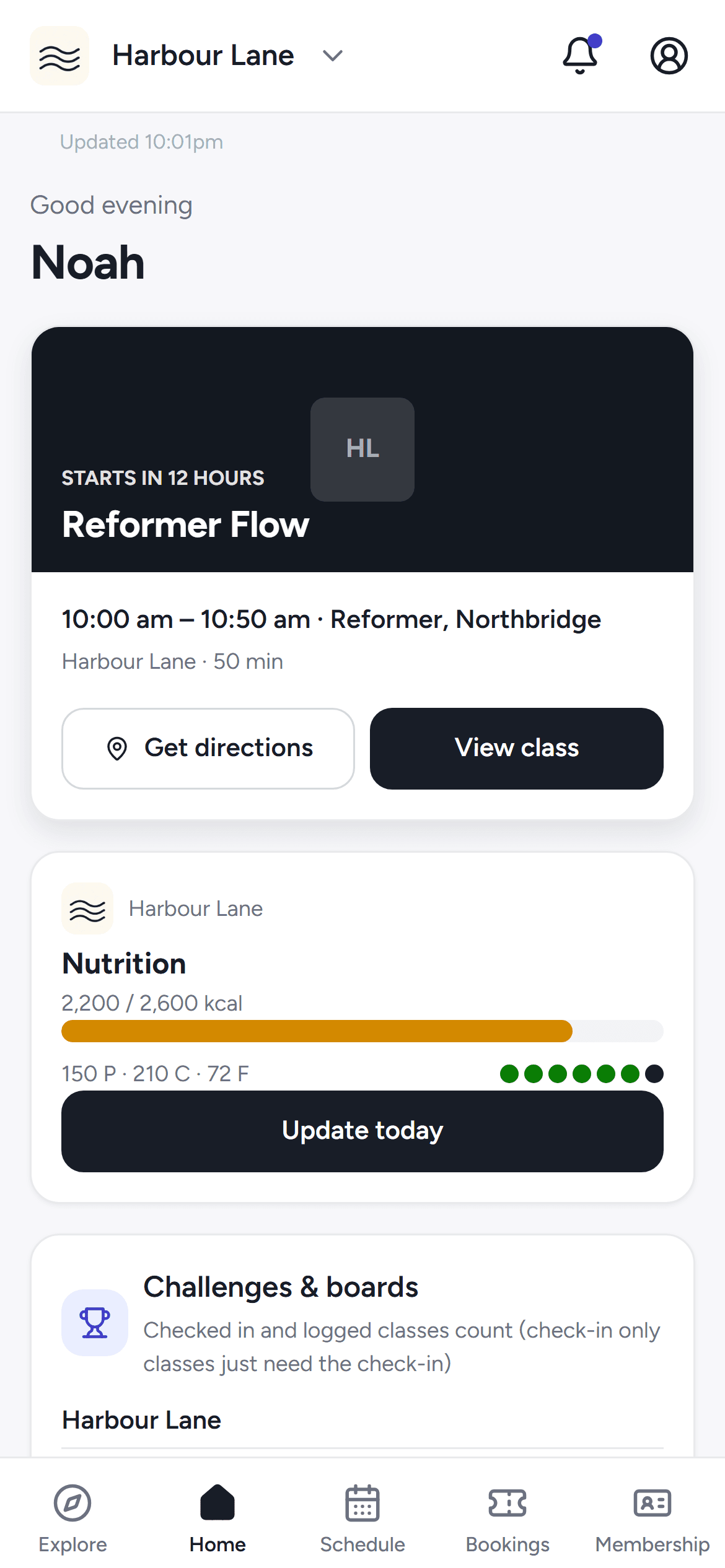
Members open the app to their next class and what is due, book and cancel from the phone, and manage their family's bookings in one place.
Members open the app to their next class, what payments are due, and their assigned programs and nutrition in one feed. On the web portal the same home page shows what is coming up.
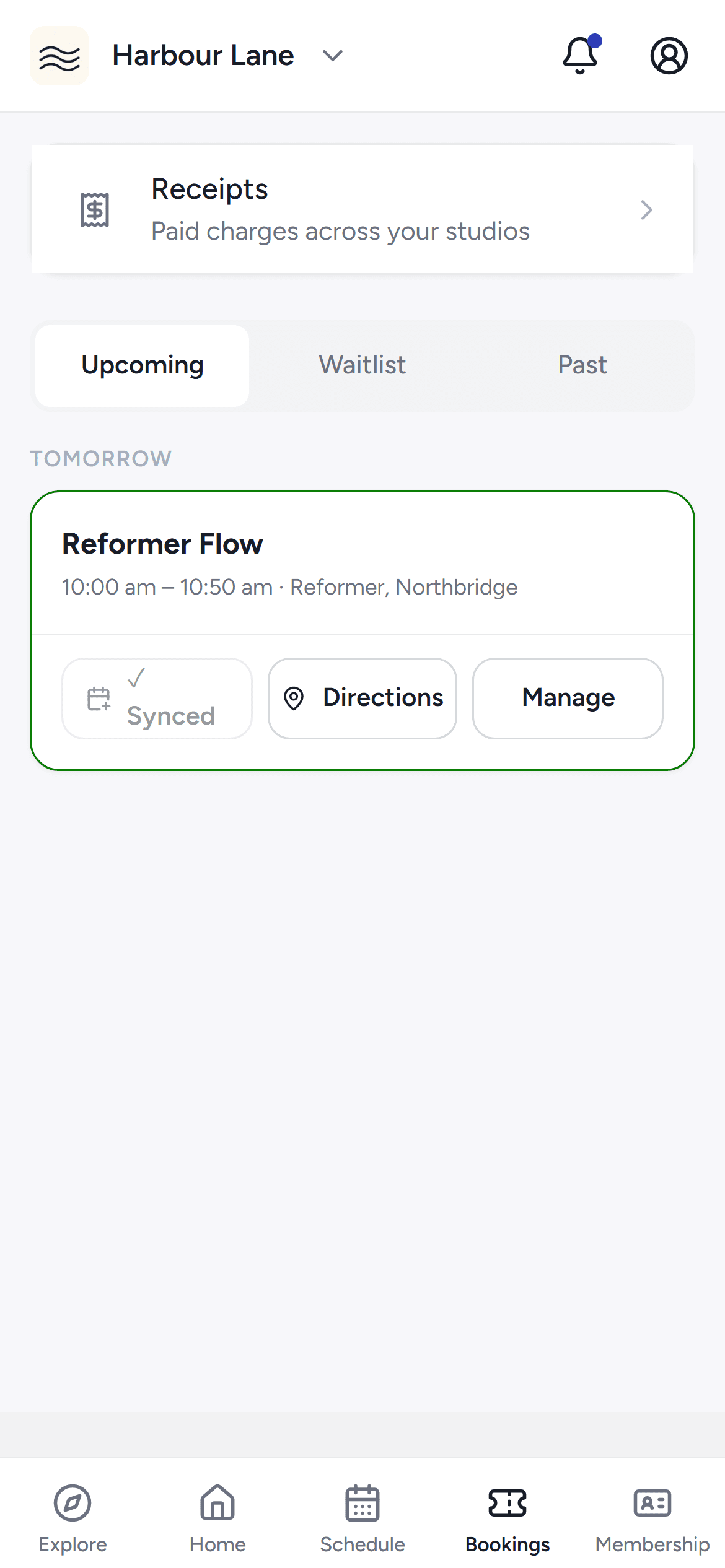
Members book into classes straight from the studio schedule, see exactly what a paid cancellation will refund before they commit, and keep their place when a class is full. Bookings past and upcoming group by day on the web portal.
Members save the studios they like, see them first on Explore, and pick a default studio the app opens on. Hearts are tied to their account, so the list follows them across devices.
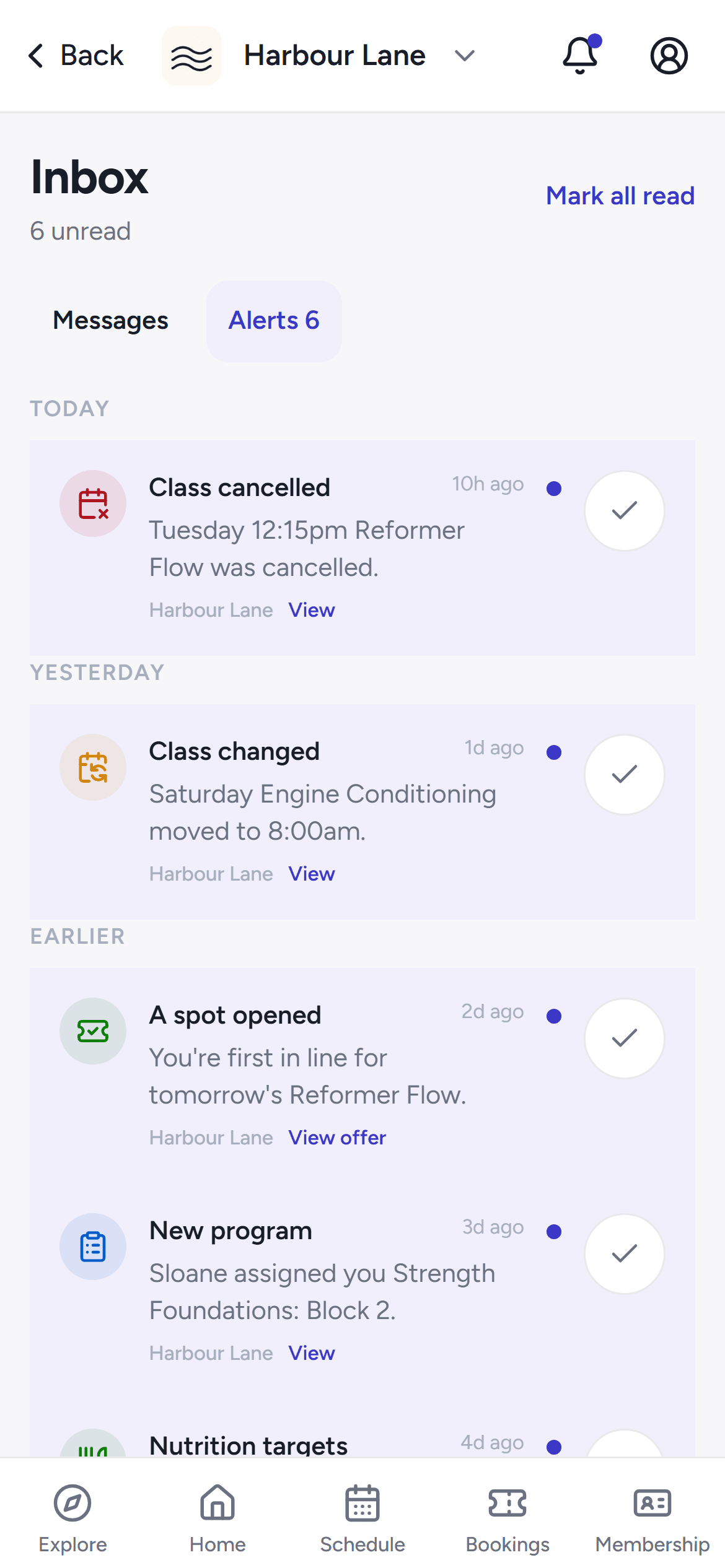
Conversations with the studio and notifications — class changes, waitlist offers, booking updates — sit in one inbox on the web portal and in the app, with per-kind preferences for what pings them.
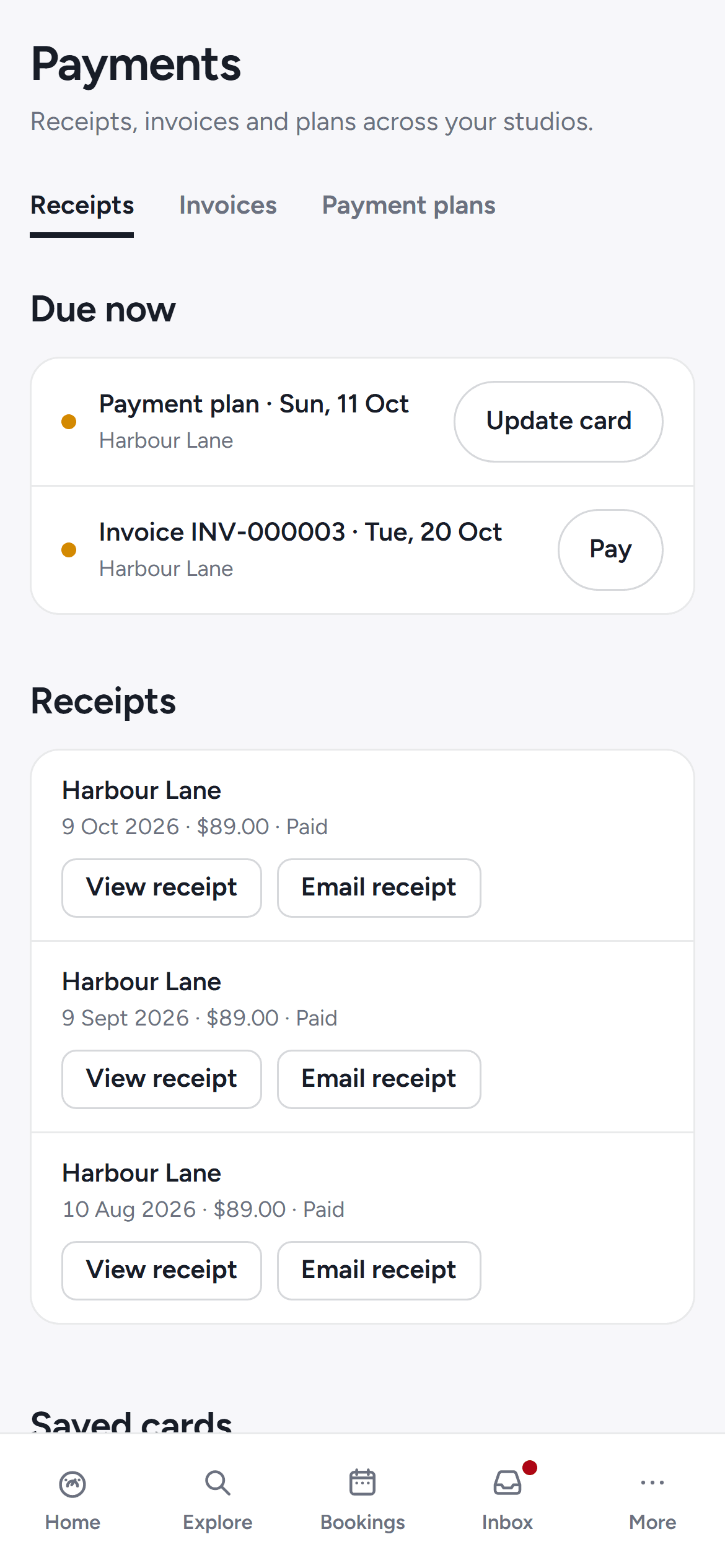
A read-only payments page collects a member's receipts, invoices and payment plans across every studio they train with, with a Due now section for whatever needs paying.
Members turn on calendar sync once and their household bookings flow into any calendar app through a private feed — a link that only they hold, valid for the next 90 days of bookings.
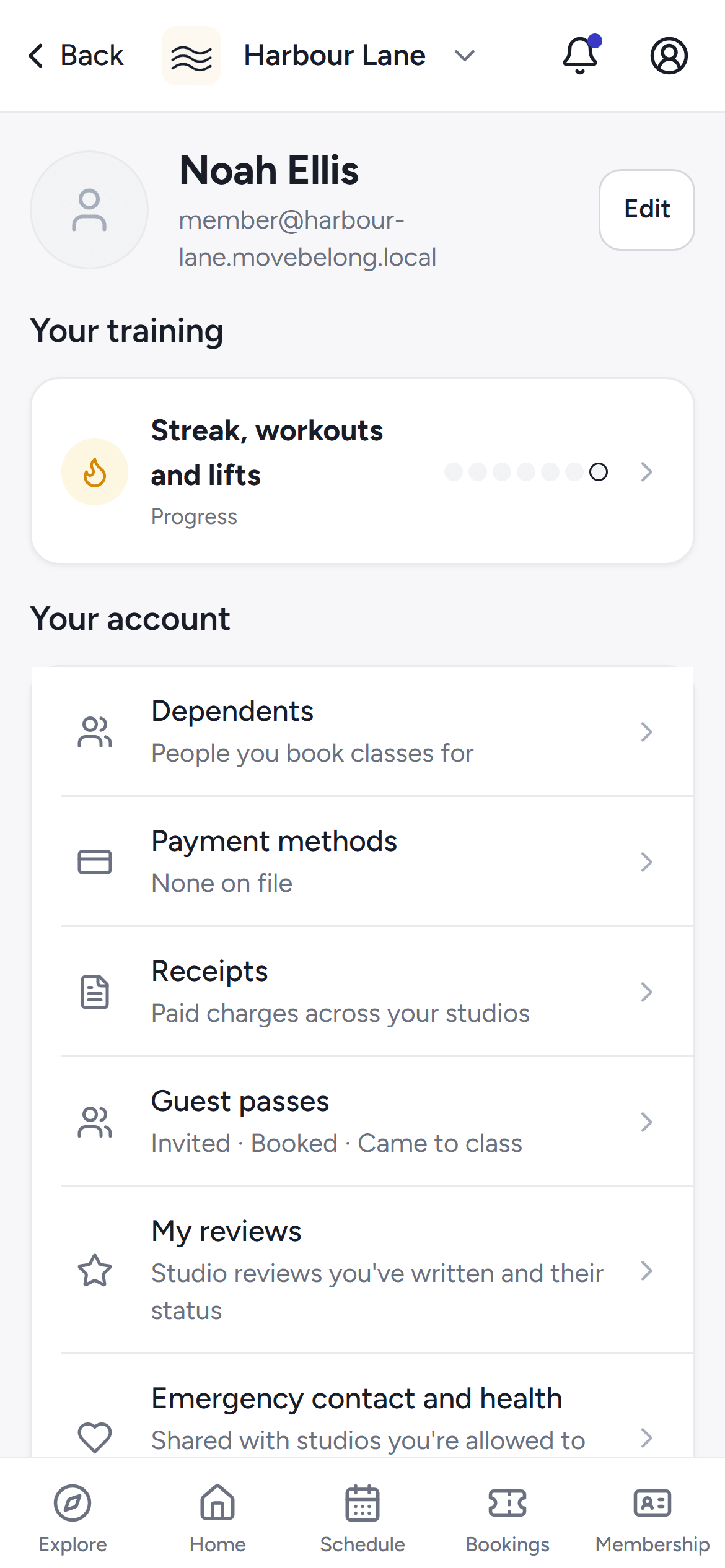
Members manage their details, communication preferences, saved cards per studio, sharing settings and their default studio from one account hub, on the phone or the web.
A member who forgets their password resets it from the app, which hands off to the web reset page; the reset link proves their inbox, so signing in again just works.
A member opens a studio gift card link in the app to redeem it onto their account.
30-day free trial, with your card only charged at go-live.