Sessions calendar
See your timetable in week, day, month or list views. Every card shows the class, its location and how many seats are booked, and you can filter the calendar down to one location.
- Studio web
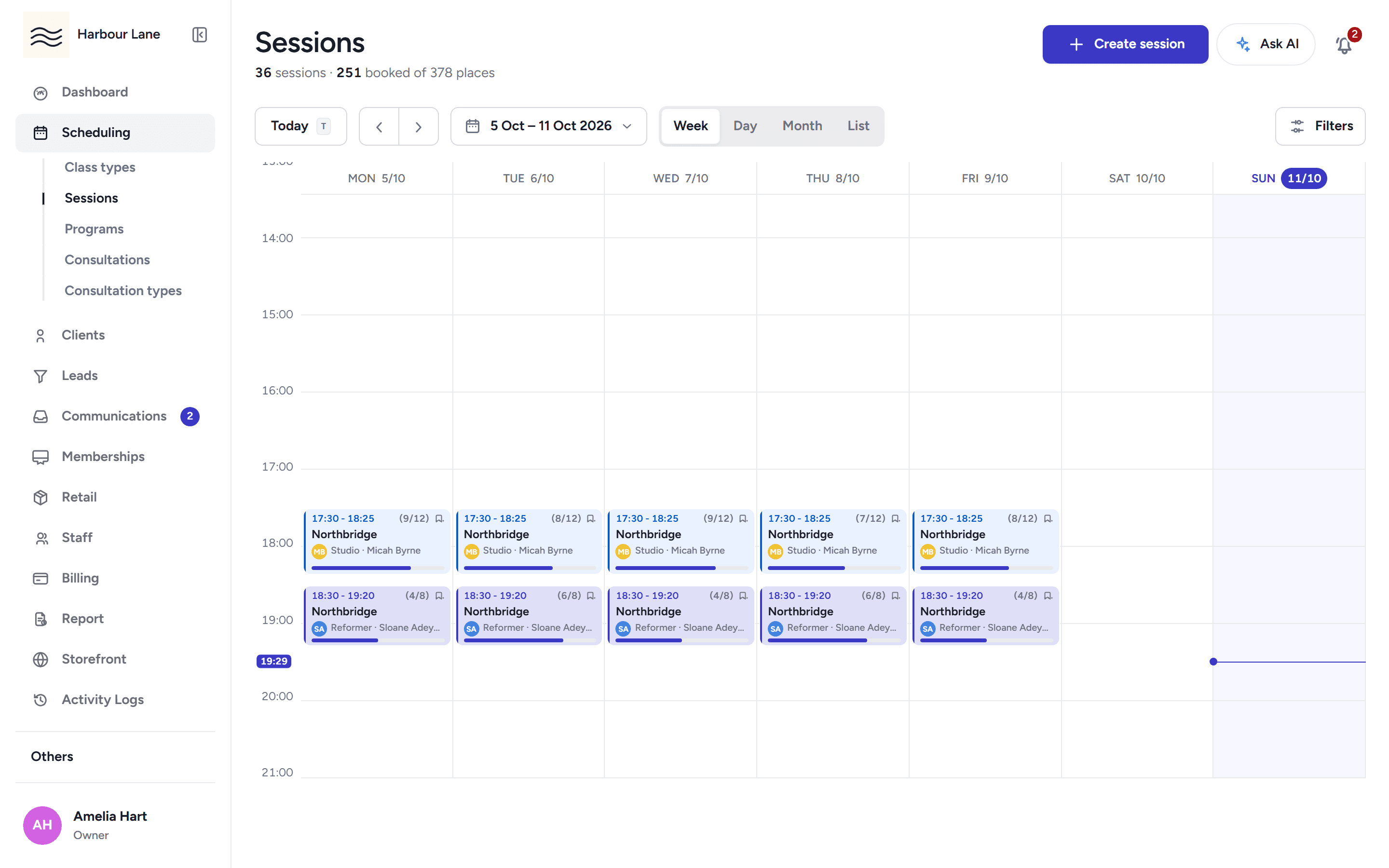
Run recurring class series in your own rooms, with occupancy on every card and clashes called out before you publish.
See your timetable in week, day, month or list views. Every card shows the class, its location and how many seats are booked, and you can filter the calendar down to one location.
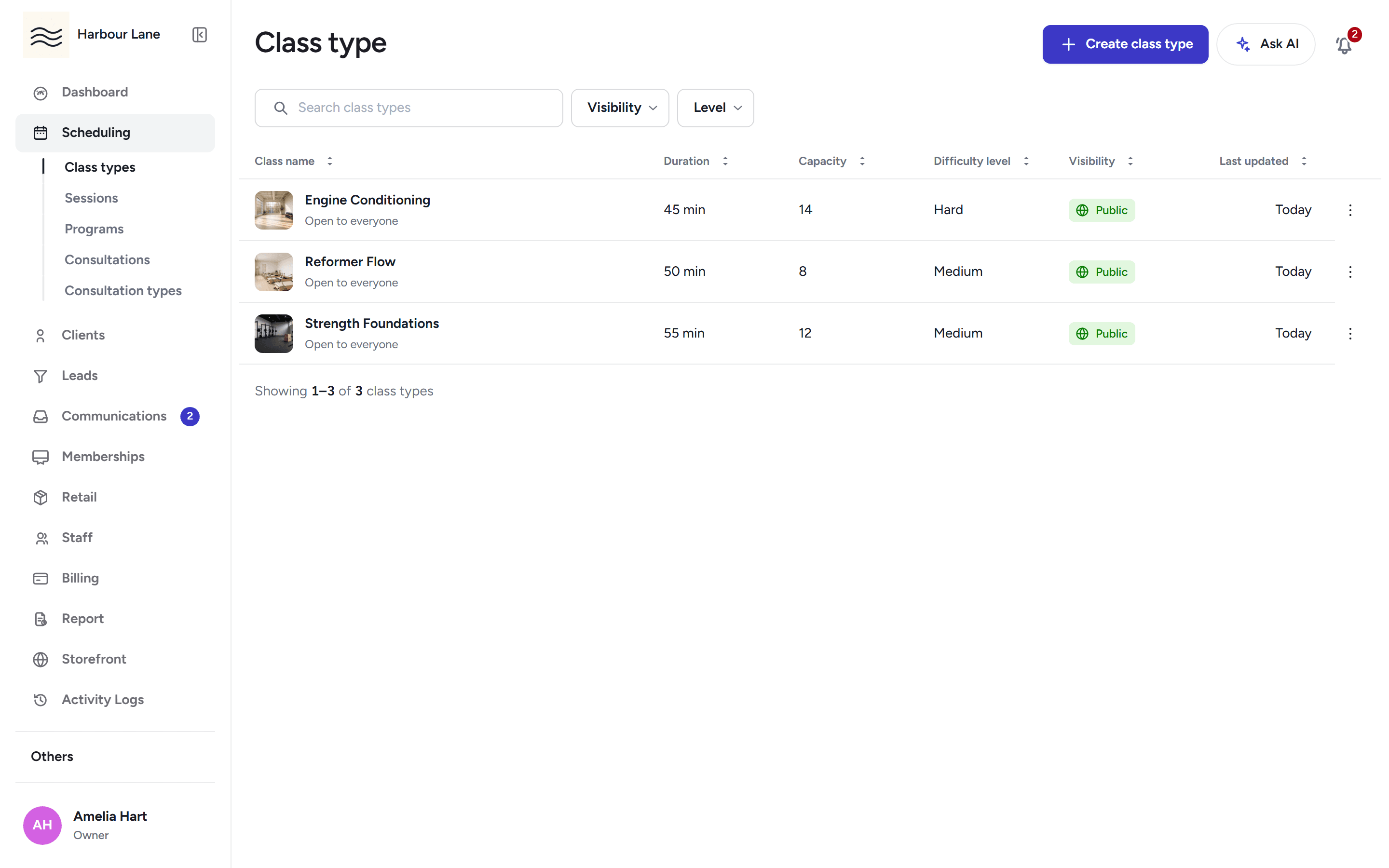
Define each class you run once: its description, capacity, age limits, whether it is public or members-only, whether it appears on Explore, and whether members can log their workout afterwards.
Save a session as a draft while you sort the details, publish it when it is ready, and cancel a published session or delete a draft outright when plans change.
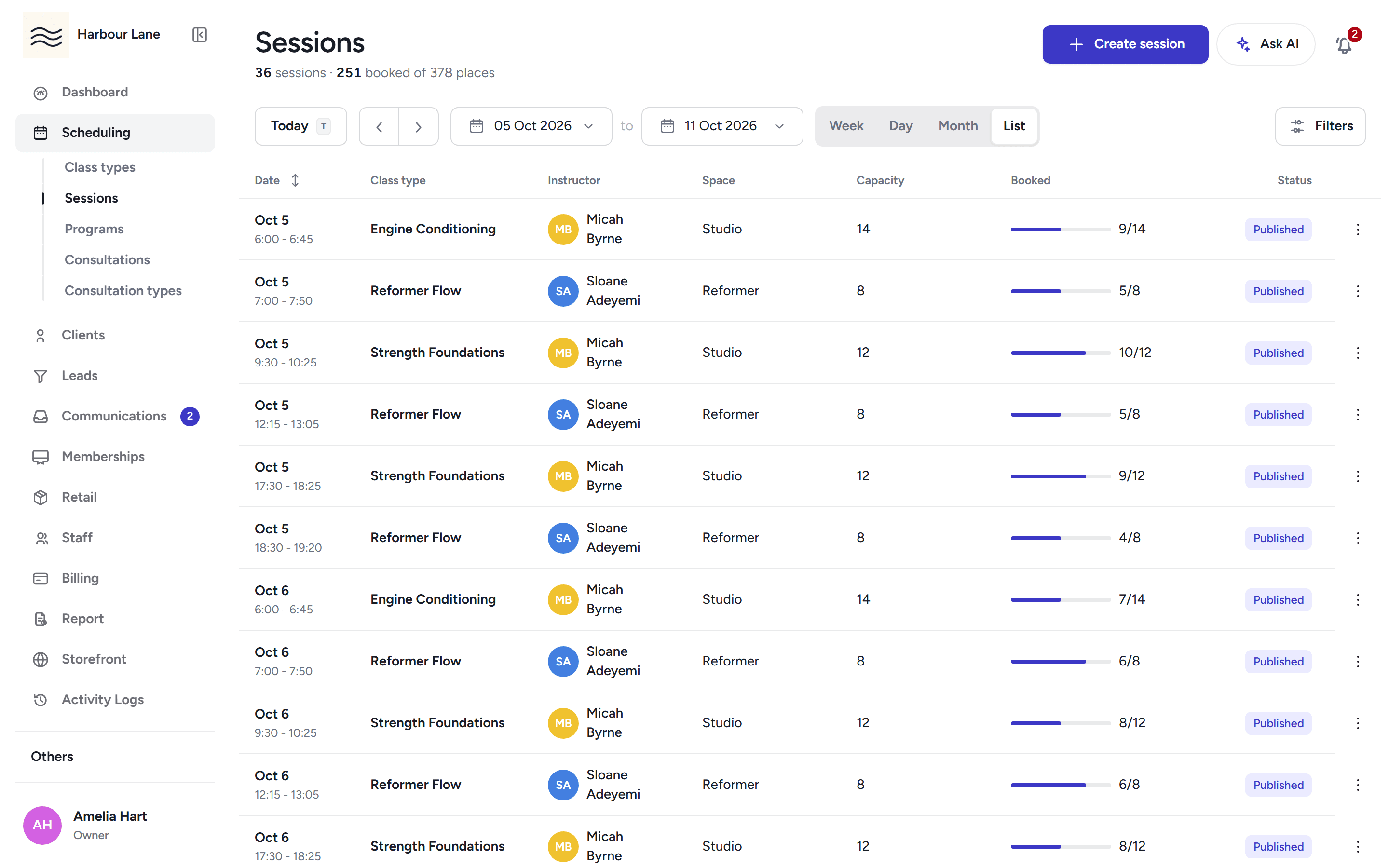
Create a session once and repeat it by pattern or count, skip chosen dates, edit just this occurrence or the whole series, and duplicate a series onto new dates as drafts.
Move or resize a session straight on the calendar, then confirm the change in one dialog that also calls out any room or staff change.
When a draft or published session collides with another in the same space or with the same coach, you are told before you publish, with a jump to the conflicting session.
Run multiple locations, each with its own rooms, opening hours and timezone. Class times and day boundaries follow the venue's local time, not the business's primary zone.
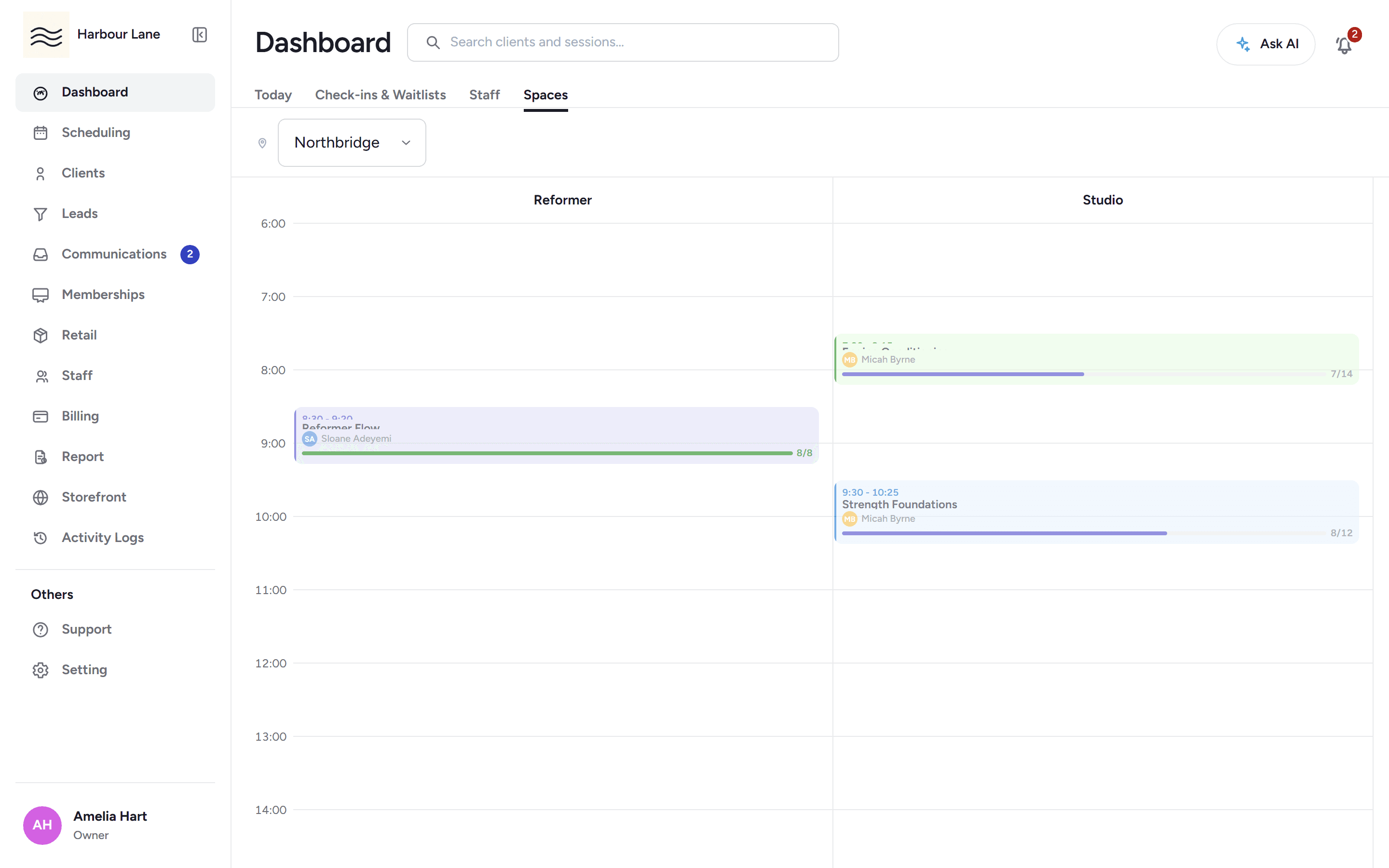
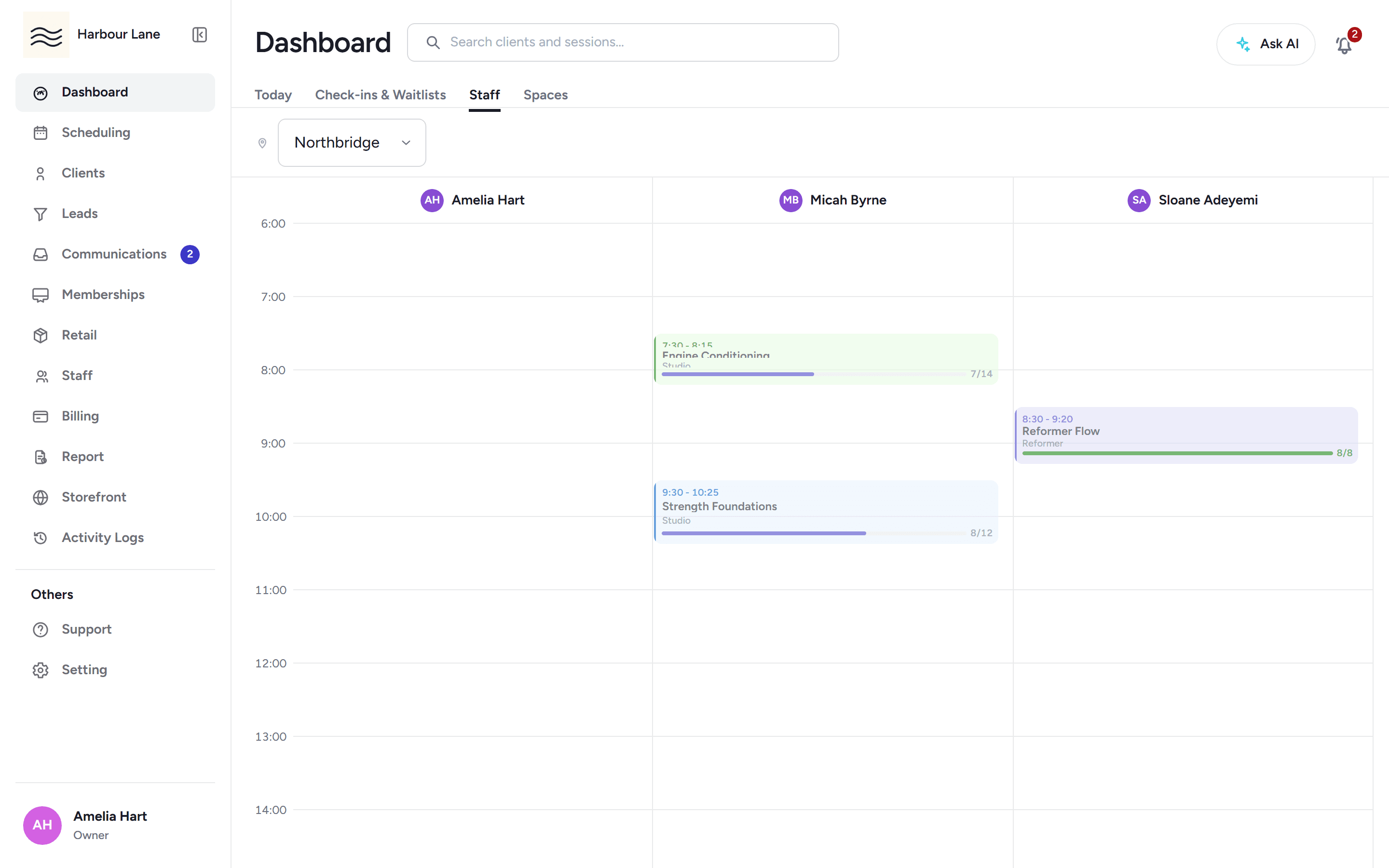
See the day as one column per coach, or one column per room, with double-bookings highlighted where someone is in two places at once.
Close for a holiday once: the chosen classes are cancelled, affected packs and passes are extended, recurring plans are paused, and members get one closure notice.
When you cancel a class or make a material change to it, booked members are emailed, pushed and texted automatically.
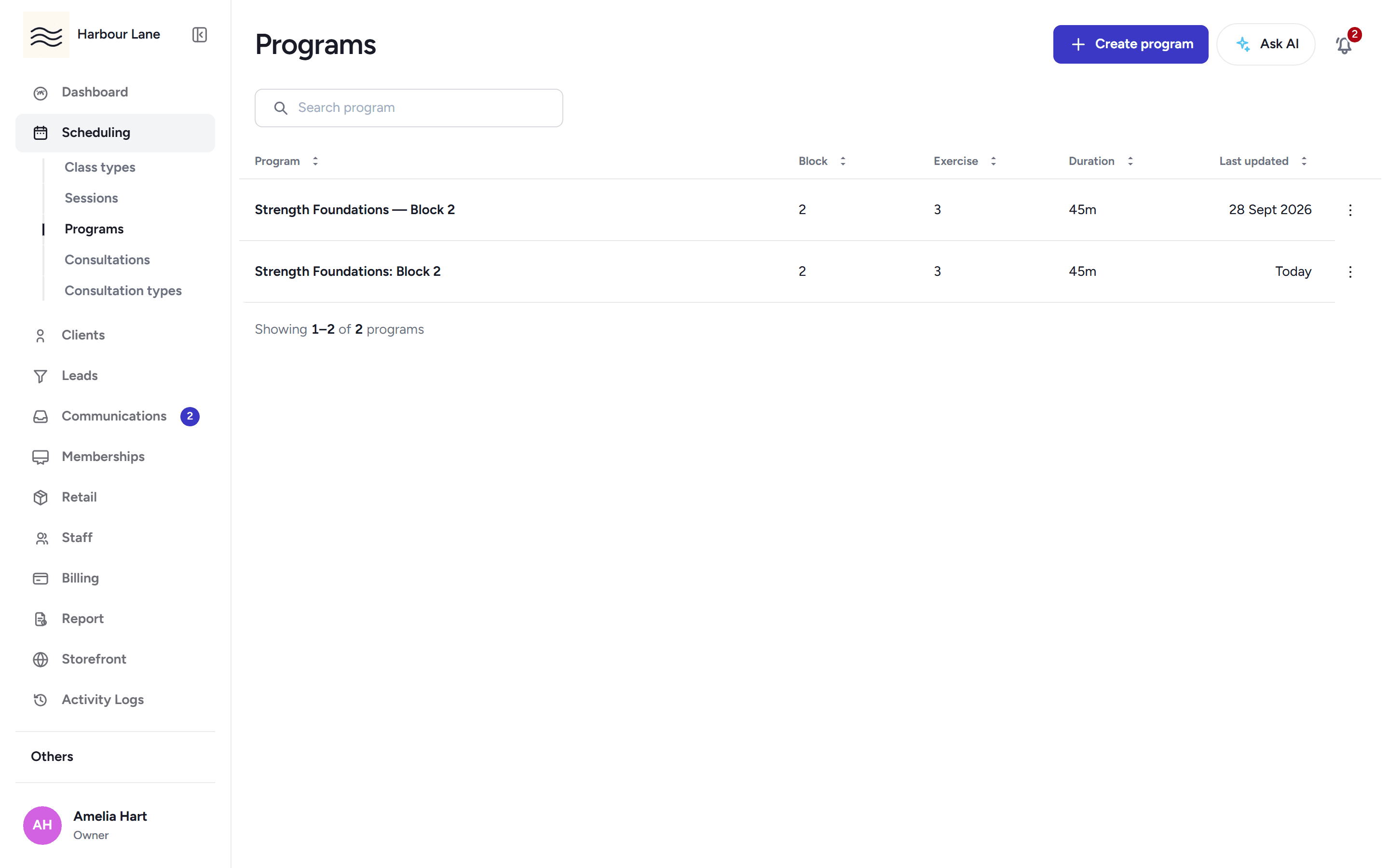
Build training programs in blocks and exercises under your own categories, mark blocks members can see, and attach exercise photos and videos from your library.
30-day free trial, with your card only charged at go-live.