Switching platforms? Your first invoice can wait until your old contract ends

Programs, logs and nutrition

Assign a training program, and members log sets, reps and effort from their phone while you watch progress over time.

Who uses it
OwnerManagerStaffMember

Program the work

Client training programs

Assign a training program to one client. Each assignment gets its own copy, so editing it later never changes what another client received. Keep private coach notes beside client-visible blocks.

  • Studio web
  • Member web
  • Phone app

Exercise library

Draw on a shared exercise library with images and demonstration video. Add your own custom exercises with media you upload, and use them across programs and workout logs.

  • Studio web

Log and progress

Member workout log

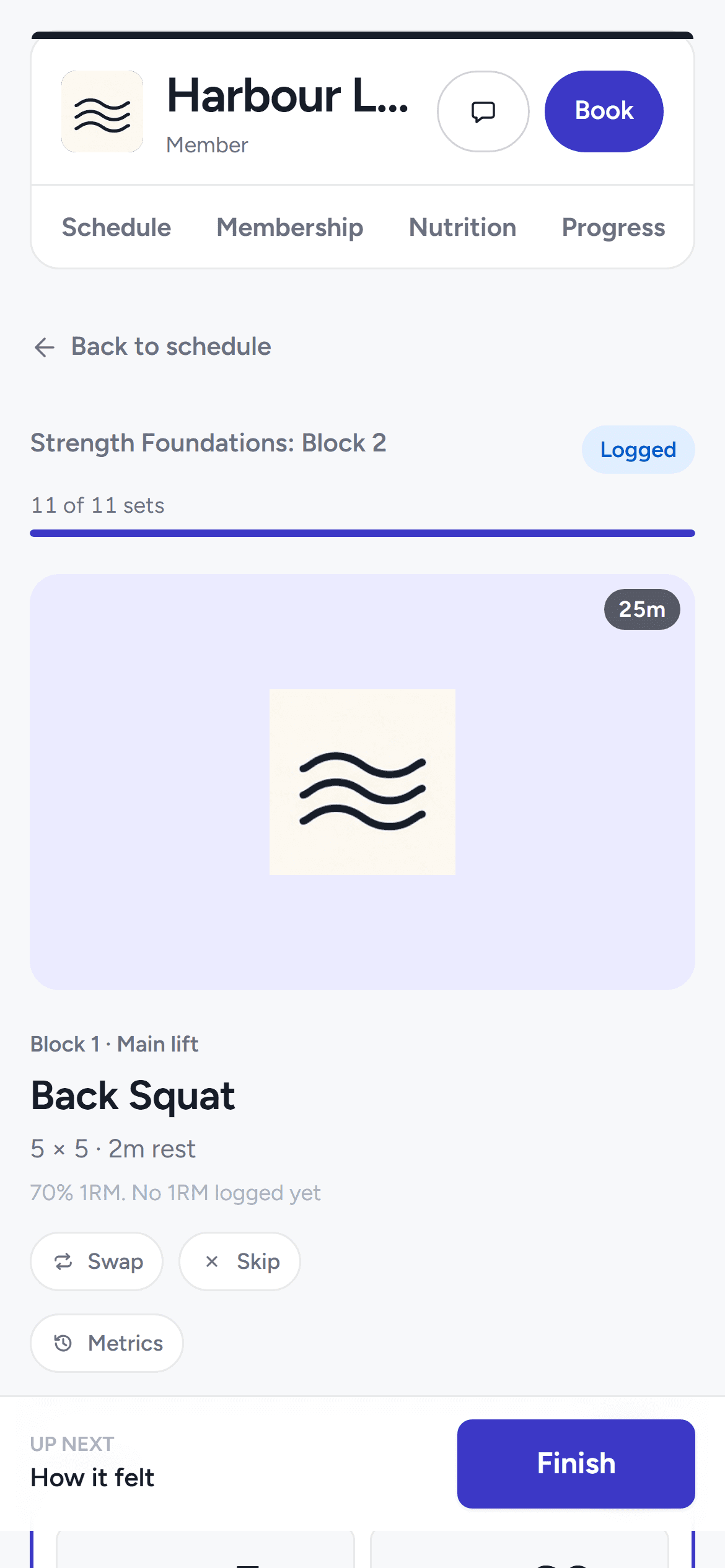
Members log their session on their phone, one exercise at a time: their last-time weights beside each set, effort ratings, notes per exercise, and add, swap or skip an exercise. You see every logged set beside the program you wrote.

  • Phone app
  • Member web
The member's workout log on the phone-width portal showing the session's exercises with logged sets.

Strength estimates

From logged lifts, the app estimates a one-rep max per exercise. The estimate only moves up as they get stronger, and it resets if they go three months without logging that lift.

  • Phone app
  • Member web

Progress, streaks and history

Members see their training streak, workout history and per-exercise progress over time — on their phone and on the web portal. Check-ins and logged workouts both keep the streak alive.

  • Phone app
  • Member web

Body weight and performance markers

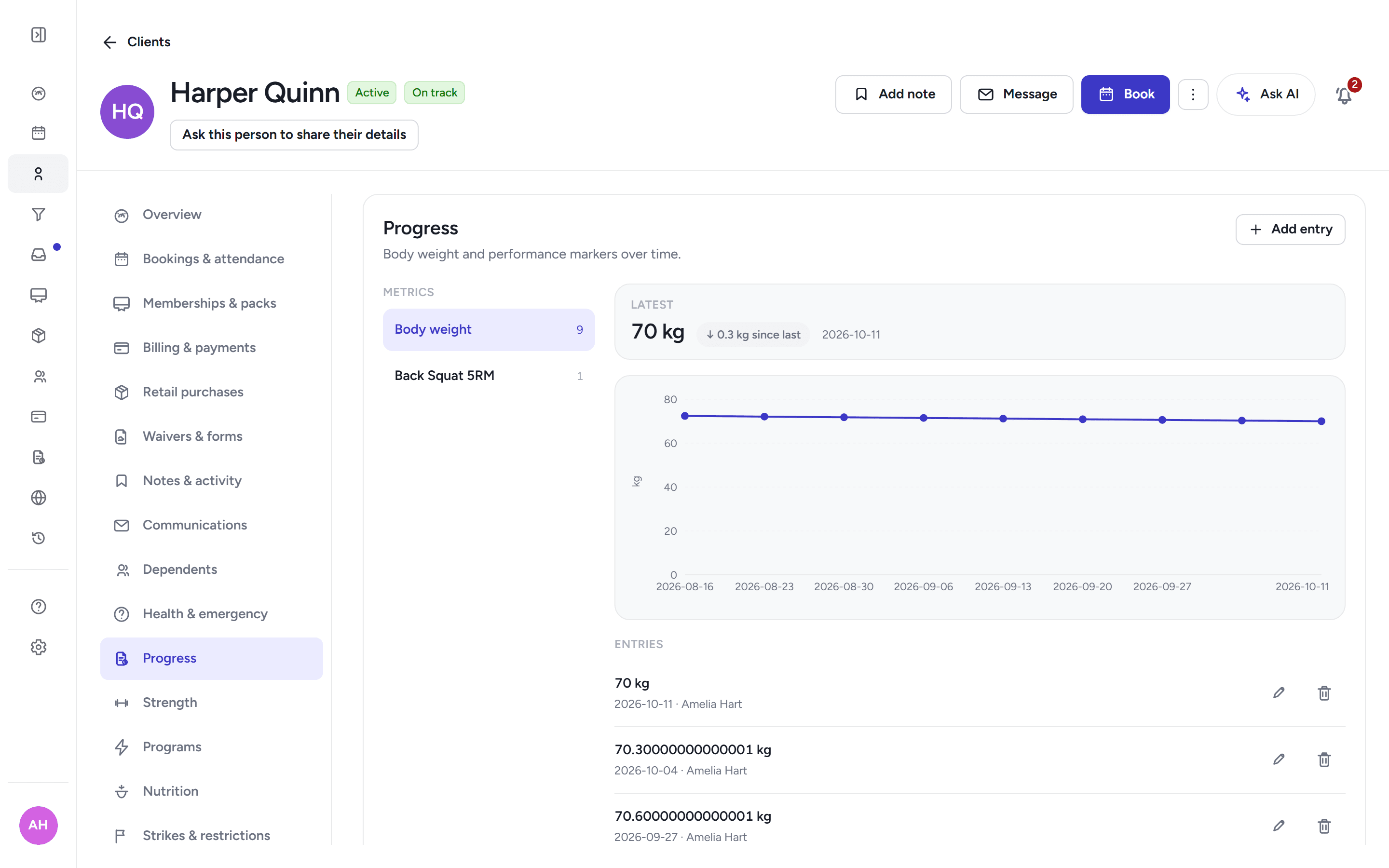
Track body weight and performance markers per client over time on one chart. Performance markers stay staff-only; body weight the client can see too.

  • Studio web
The client's progress chart with body-weight trend and performance markers over time.

Progress photos

Clients upload progress photos per pose — front, side, back — to a private store. They reach staff only through permissions you set, never through a public link.

  • Phone app
  • Member web
  • Studio web
The client's progress chart with body-weight trend and performance markers over time.

Beyond the gym floor

Nutrition coaching

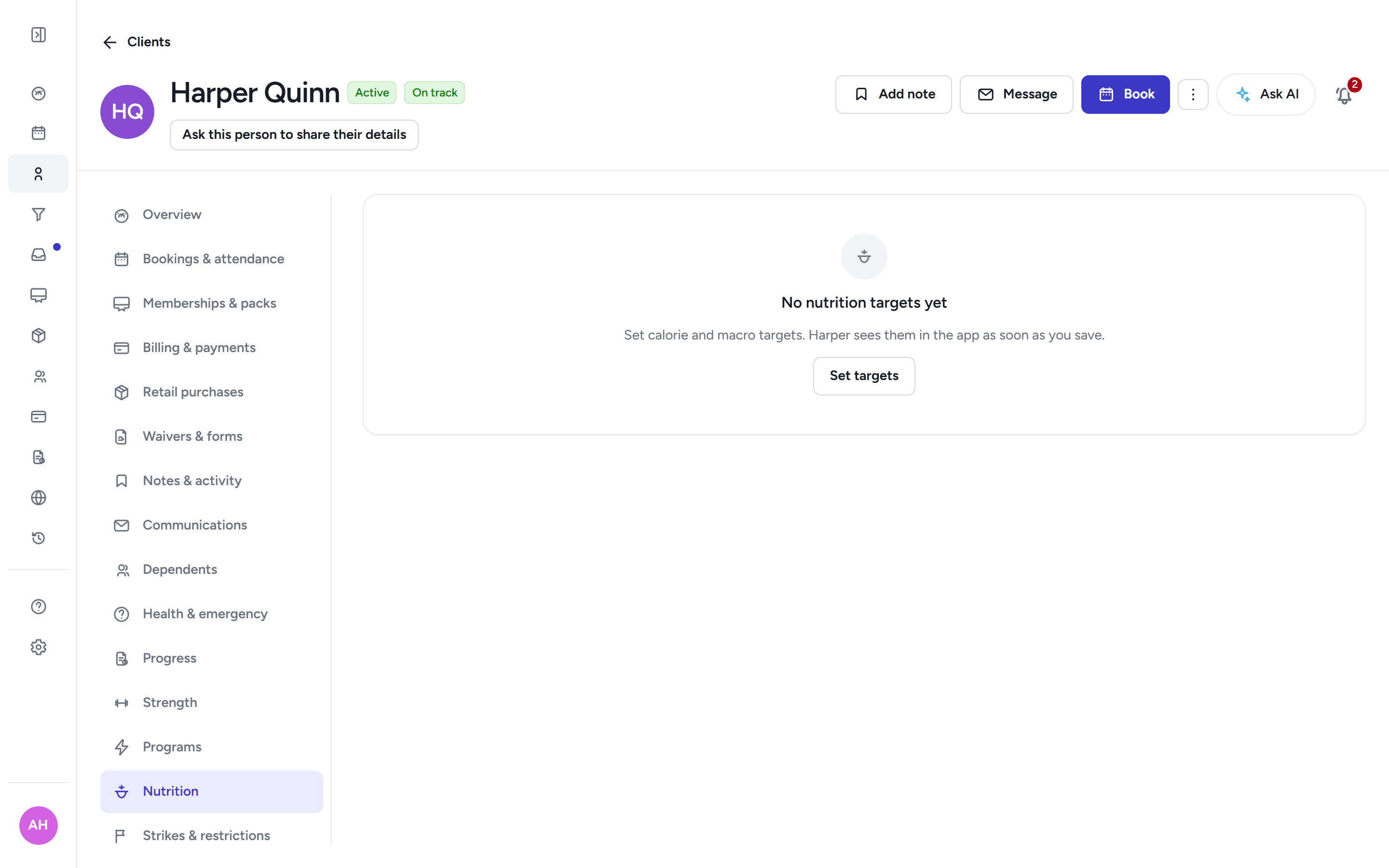
Turn nutrition on per studio when you want it. Then set a client's calorie and protein targets, see their daily logs against those targets, and share meal-plan files they can open in the app.

  • Studio web
  • Phone app
  • Member web
The client's nutrition week with their calorie and protein targets and daily logs against them.

Challenges and leaderboards

Run opt-in challenges for your members, with a leaderboard that counts check-ins and logged workouts. Members join from their phone and see where they sit.

  • Phone app

Frequently asked questions

Can members log workouts themselves?
Yes. Members log in a one-thing-at-a-time focus view with last-time values, effort ratings, notes, and add, swap or skip an exercise.
Is nutrition coaching included?
It is optional and off until you turn it on per studio; then you can set targets, see daily logs and share meal-plan files.
What about progress photos?
Clients upload progress photos per pose to a private store, visible to staff with the right permission.

Run programs, logs and nutrition with Move Belong

30-day free trial, with your card only charged at go-live.